


Create a new connection (Issue 1621)
Body
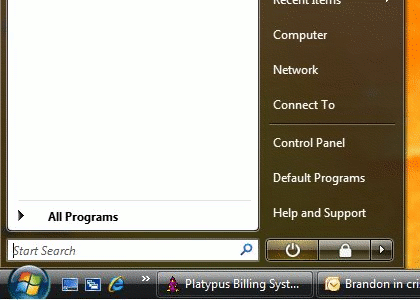
- Click on your "Start menu", then "Control Panel"
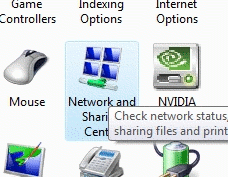
- Double-click on "Network and Sharing Center"
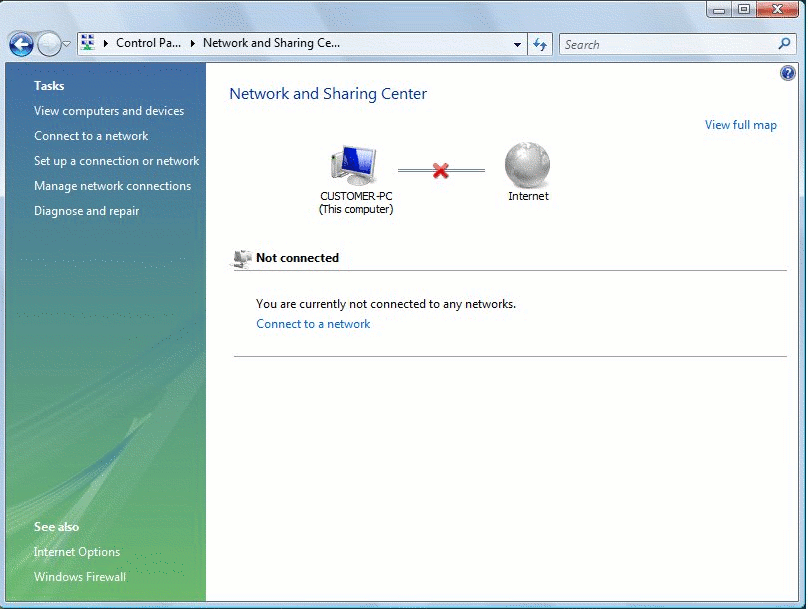
- On the left of the "Network and Sharing Center" Screen, Click on "Set up a connection or network"
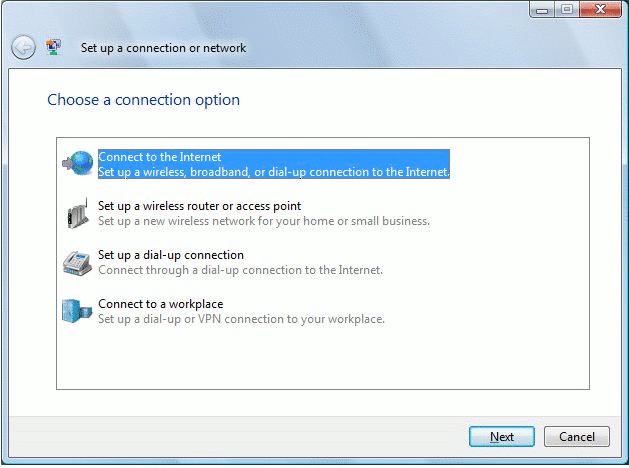
- Select "Connect to the Internet" and Click "Next"
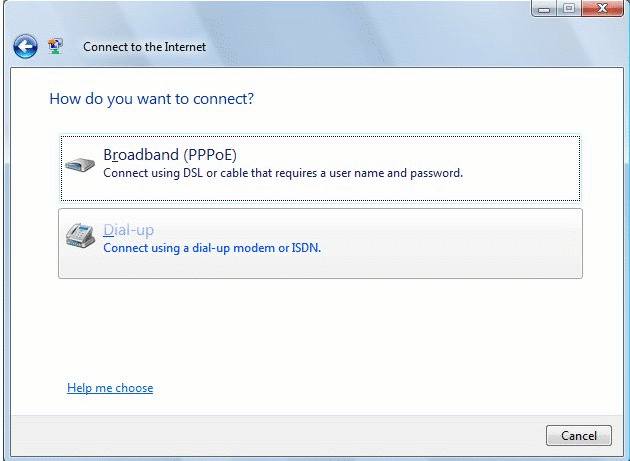
- Click on "Dial-up Connect using a dial up modem"
- Enter the Following Data:
- Dial-up Phone number
(you may look up a local access number by Clicking Here - User Name
(This information will be given to you by the technical support representative at the time you purchase your service) - Password
(You may view this information in plain text by placing a check mark in the "Show Character" box) - Place a check mark in "Remember this password" if you do not wish to re-type it each time you log onto the internet
- Place a check mark in "Allow other people to use this connections" if you are going to share this internet connection with others
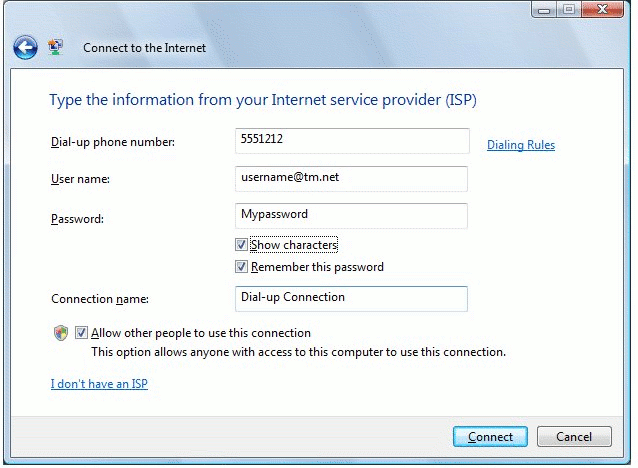
- Dial-up Phone number
Keywords
| Windows Vista |
| Dial Up |
| DUN |
| Create a Connection |